
Hoke County Court Calendars Explained
No single Hoke list collects every person's court date in one place. Instead, three tools work together. There is a case-specific Hearings area inside the North Carolina eCourts Portal. A local schedule hub offers separate civil and criminal calendar routes. Superior Court term material rounds it out. A published calendar gives you session context. The notice plus the latest hearing data on the case still controls the actual setting for one matter. Hoke moved onto Portal and Enterprise Justice in October 2024. The statewide system now leads for current public case information. Court level still matters, though. A Superior Court session, a District Court judge schedule, and a magistrate matter each carry different calendar context. One clerk and one courthouse counter serve the county. Begin at the Hoke County local administrative schedules hub. It links to Portal, the calendar destinations, Superior Court scheduling material, and District Court judge schedules.
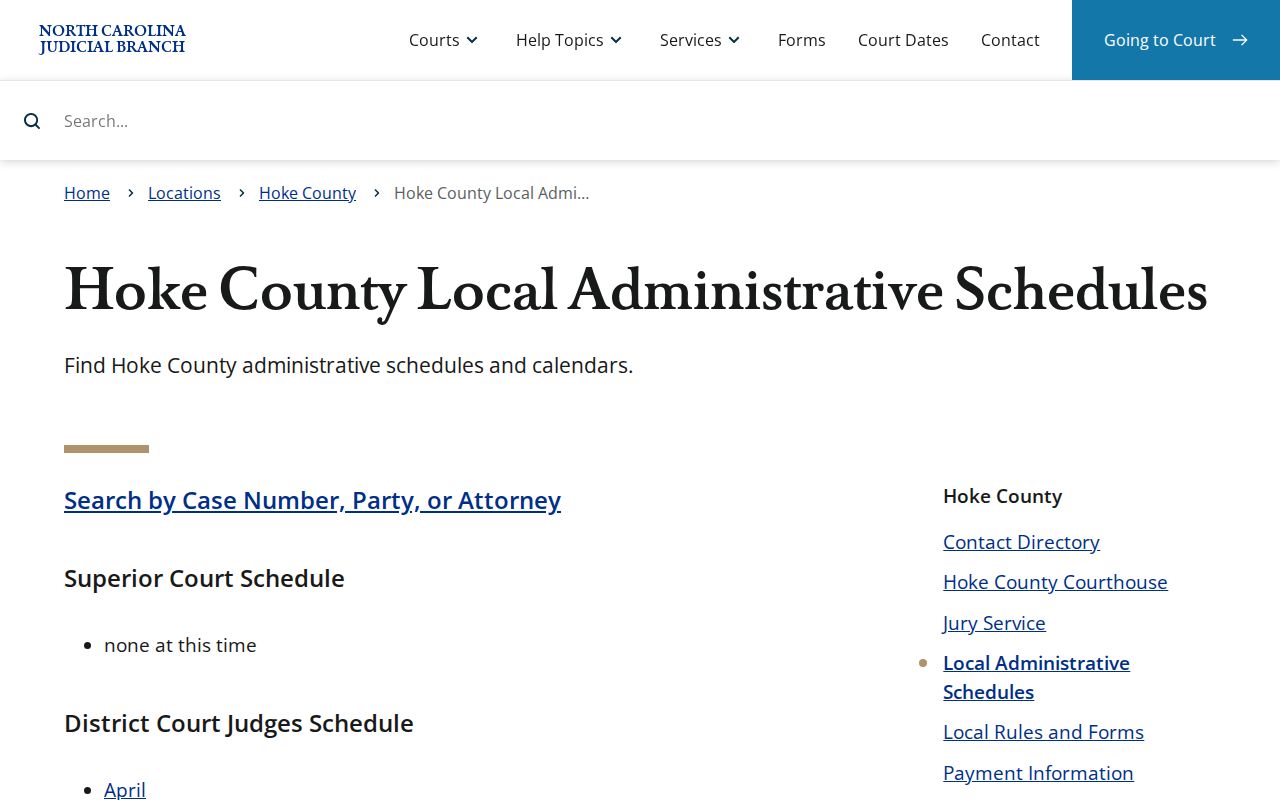
The hub helps you tell a published court schedule apart from the hearing information that actually governs a Hoke case.
Hoke Portal Hearing Search Fields
The public North Carolina eCourts Portal offers a Search Hearings function separate from Smart Search. When you know a case number, use it. It is the best online route to a current courtroom or time. Documented search fields include case number and party name. Business name, attorney name, attorney bar number, judicial officer, and courtroom round out the list. A hearing search focuses on current dates. It is not a general case lookup. Pull the matching Case Summary as well. Its Hearings block and chronological Case Events can reveal a notice, a continuance, or a later reset. A term sheet cannot erase an individual setting. An older event is never the next appearance. Portal's hearing data helps when you hold only part of the file details. It is not an official court record, though. It cannot replace a notice from the court. If a result seems unclear, keep the notice. Ask the clerk to confirm the setting. Do not guess from a similarly named case.
Finding Your Court Date
Hold onto the notice or citation first. It carries the file or citation number and the first stated date, which sharpens any online docket search. Then work through the available Hoke channels in this order when time allows:
- Read the notice or citation and retain the exact case or citation number.
- Use Portal Smart Search to open the public Case Summary, then read its current Hearings block and latest Case Events.
- Run Portal Search Hearings by case number, party, attorney, judicial officer, or courtroom to confirm the current location and time.
- Use the Hoke civil or criminal calendar route, plus a Superior Court term sheet where relevant, for the larger session context.
- If the setting is close, missing, or inconsistent, call the clerk or use the clerk counter and public terminal for confirmation.
The Hoke Clerk of Superior Court is the local fallback. Find it at 304 N. Main St., Raeford, NC 28376, (910) 878-4100. The public terminal can help when an online result falls short. The clerk remains the official source for the case file. The county offers no email or fax court-date lookup. There is no bulk calendar feed, and no rule requiring an online calendar to send a reset notice automatically. Call or visit the clerk whenever a case will not match online. Do the same when the information is time-sensitive.
Hoke Calendar Routes Compared
The local hub points to separate county-filtered destinations for civil calendars and for criminal calendars. Those routes help you spot the kind of published schedule you need, though the hub presents no live dropdown filters. For the actual setting in a Hoke case, run a case-specific Hearing search.
| Route | What it provides | Best use |
|---|---|---|
| Hoke civil calendar | Published civil calendar destination | Checking civil session context |
| Hoke criminal calendar | Published criminal calendar destination | Checking criminal session context |
| Portal Search Hearings | Current hearing location and time | Confirming a particular case setting |
For a traffic matter, the official North Carolina traffic court guidance also steers people toward the citation and court information. A broad calendar, in other words, is not personal notice of a traffic hearing.
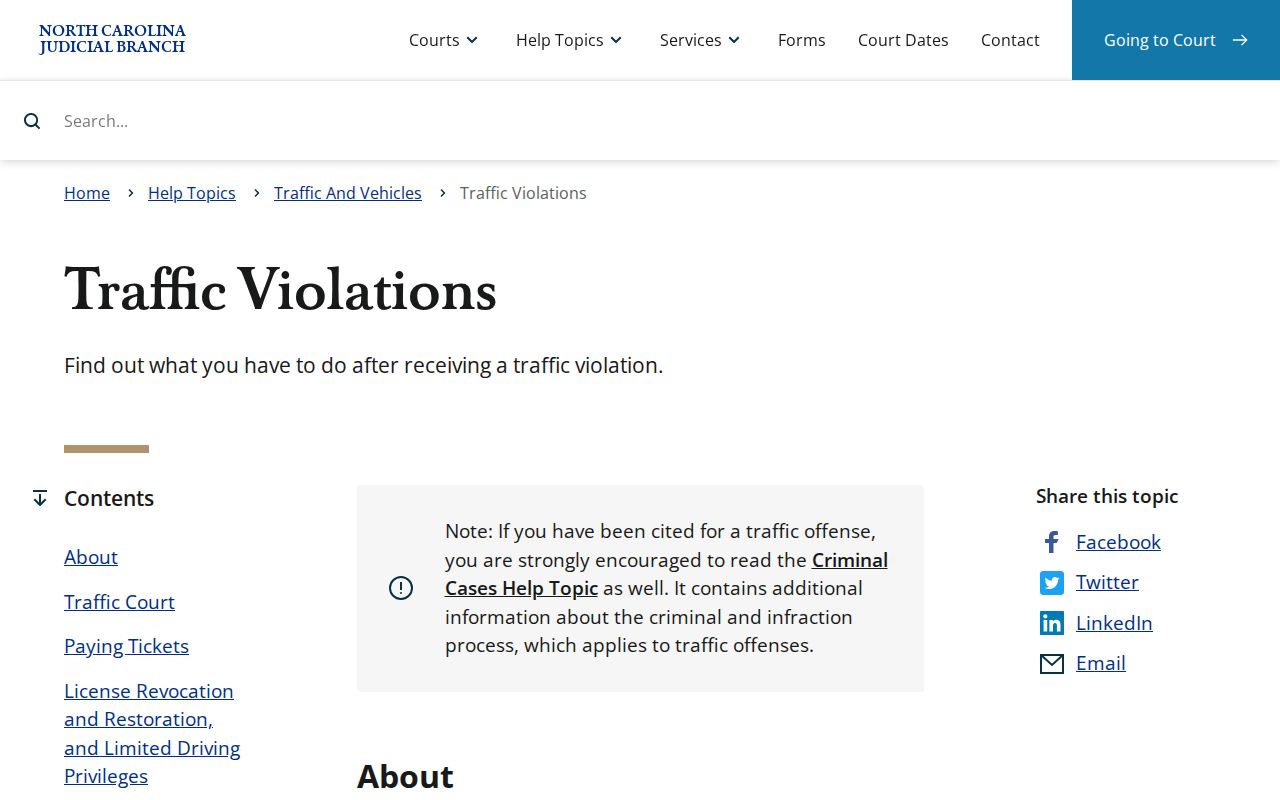
Traffic cases still need their citation checked. Match the citation or Case Summary against the Hoke court-date sources. The hub's Superior Court Schedule area currently reads "none at this time." The same hub links month-based District Court judge schedules. That display does not mean the courthouse is closed. It simply sends you back to Portal Hearings and the clerk for a specific case. The Hoke Civil Superior Court Calendar Request is yet another route. It serves parties or lawyers seeking a spot on a civil Superior Court session. It is not for people checking a date. The form asks for the file number, parties, requested session, motion or trial type, estimated time, readiness information, and service details. The original goes to the clerk. A person simply verifying a date should use Portal Hearings and the calendar routes instead.
How to Read a Court Setting
A setting is a scheduled court event. It is not a promise that every issue in the case gets finished that day. Read the identifying fields together. Then compare the date with the most recent hearing or event on the docket. Note that Portal may label the judge field as a judicial officer.
| Date | The scheduled calendar day. A later notice or continuance can supersede an earlier date. |
|---|---|
| Time | The listed time for the setting, which may be a calendar call rather than a private appointment. |
| Courtroom | The room or courtroom shown by the current hearing search or case record. |
| Judge | The judge or judicial officer associated with the setting, where Portal supplies it. |
| Setting type | The purpose, such as arraignment, motion hearing, administrative session, jury trial, or non-jury trial. |
Hoke Docket Calls and Jury Sessions
Hoke's 2026 Superior Court terms split court work into four buckets. These are criminal sessions, civil motions and jury-trial sessions, criminal administrative sessions, and civil motions with non-jury trials. Each label tells you what a session handles. It does not mean your case sits on that docket the whole term. Only the newest hearing entry can tell you that.
- Docket or calendar call
- The court's organization and calling of cases on a calendar.
- Administrative session
- A session for administrative criminal work rather than a jury trial.
- Motion hearing
- Argument on a request for a court ruling.
- Continuance
- A postponement of a previously scheduled setting.
So match the label against the newest hearing entry for the case before you plan around any Hoke court date. The 2026 Hoke Superior Court terms schedule shows the structure of sessions. It cannot stand in for a filed notice, a Search Hearings result, or the latest Case Summary entry.
Continuances, Resets, and Cancellations
A continuance pushes a court setting back. The reset is the new date that follows. Neither happens by pressing a button in the Portal. Hoke's Local Rules and Forms page links a District Court Continuance Policy. That link is a reminder that changes run through court process and local policy.
Once a case moves, read the newest Hearings entry and the later Case Events. Do that before trusting an older calendar listing. Conflicting online sources call for a call to the clerk, especially close to a setting. A calendar item that vanishes may signal a scheduling change, but it never explains why.
A party or a lawyer may request a new date. A request alone does not change the date. Verify the current hearing information after the court processes the continuance or reset.
Hoke Hearings After a Continuance
Start with the old hearing. Compare it against the latest Case Event and the current Hearings block in Portal. Then run Search Hearings for the live date, time, and courtroom, and treat the civil or criminal calendar route as background about the session only. That order keeps a stale calendar entry from masquerading as notice.
The official Guide & File training and resources page shows that some traffic-related court processes come with guided tools. A guided filing or interview still will not update a Hoke hearing date on its own.
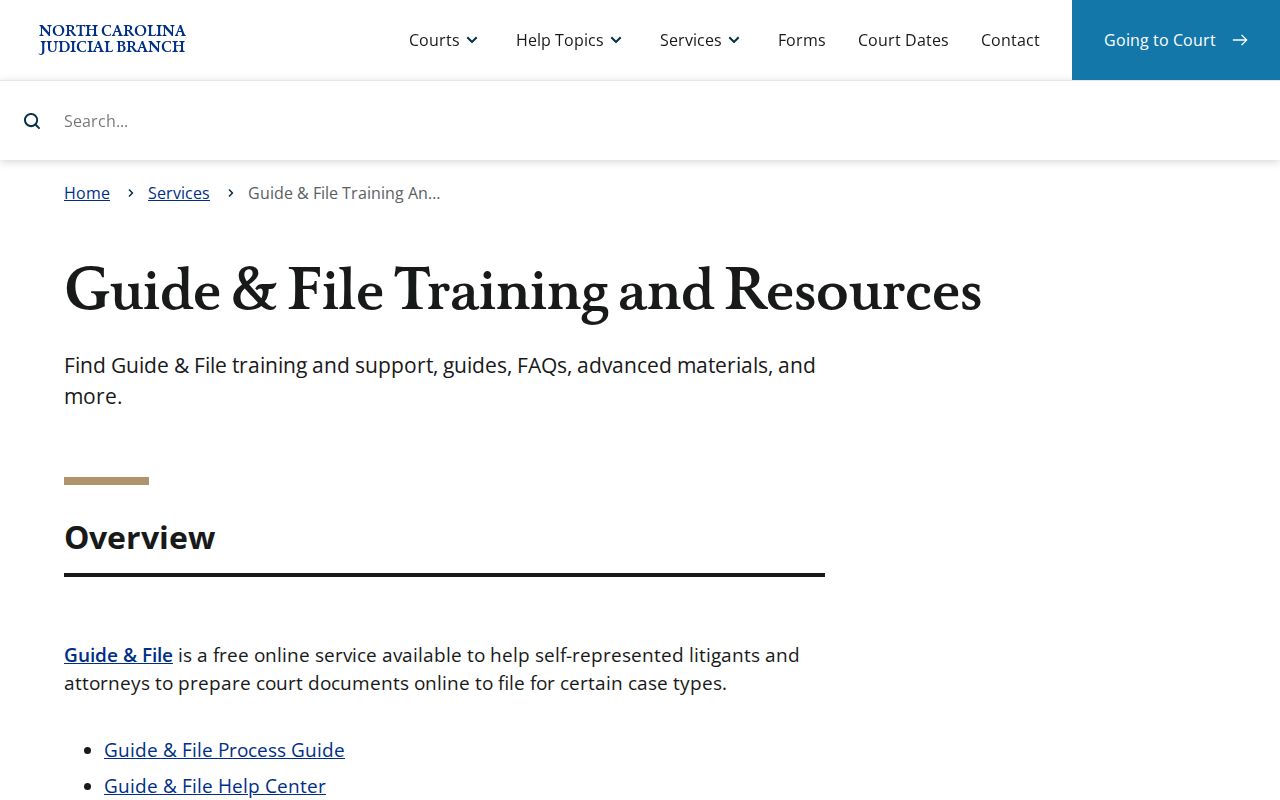
Use the case record and the Hoke calendar confirmation channels to learn whether a court setting has moved.
If You Miss a Court Setting
Call the Hoke Clerk of Superior Court right away. Have the case number, party name, and missed date ready. Portal can help you spot the case and its recent events, but it cannot tell you what the court now requires. A lawyer of record can advise on the response that fits the case.
Missed a setting? Contact the clerk promptly to confirm the current status and the next required step for the Hoke case.
Do not assume a later calendar term has placed the matter back on the schedule.
Hoke Calendar Confirmation Contacts
Have a question about a specific case? Maybe a record you cannot verify online. Call the Hoke Clerk of Superior Court at (910) 878-4100. The official Hoke directory also lists Superior Court Judges at (910) 266-4575. It lists District Court Judges at (910) 722-5012 for division-level scheduling questions. Ask for the current date, time, and courtroom, and whether you must appear in person.
The clerk's office sits in the Hoke County Courthouse. It is open weekdays from 8:30 a.m. to 5:00 p.m. If Portal access fails, the courthouse counter and the public terminal are the local alternatives. For anything beyond a date check, a Hoke case lookup can pull the Case Summary details that make your clerk inquiry sharper.